Gates Benchmark — Unified CRM + ERP Platform for Real Estate
Designed an enterprise platform that unifies CRM and ERP operations for a real estate developer, enabling end-to-end workflows across Sales, Customer Care, Legal, Finance/Treasury, and Procurement — built with Arabic RTL support and role-based experiences.
Executive Summary
Project Overview
Gates Benchmark combines two domains in one platform:
CRM Domain (Front-Office)
Leads, Customers, EOIs, Contracts, Units, Payment Plans, Receipts, Customer Care Cases, Legal Cases
ERP Domain (Back-Office)
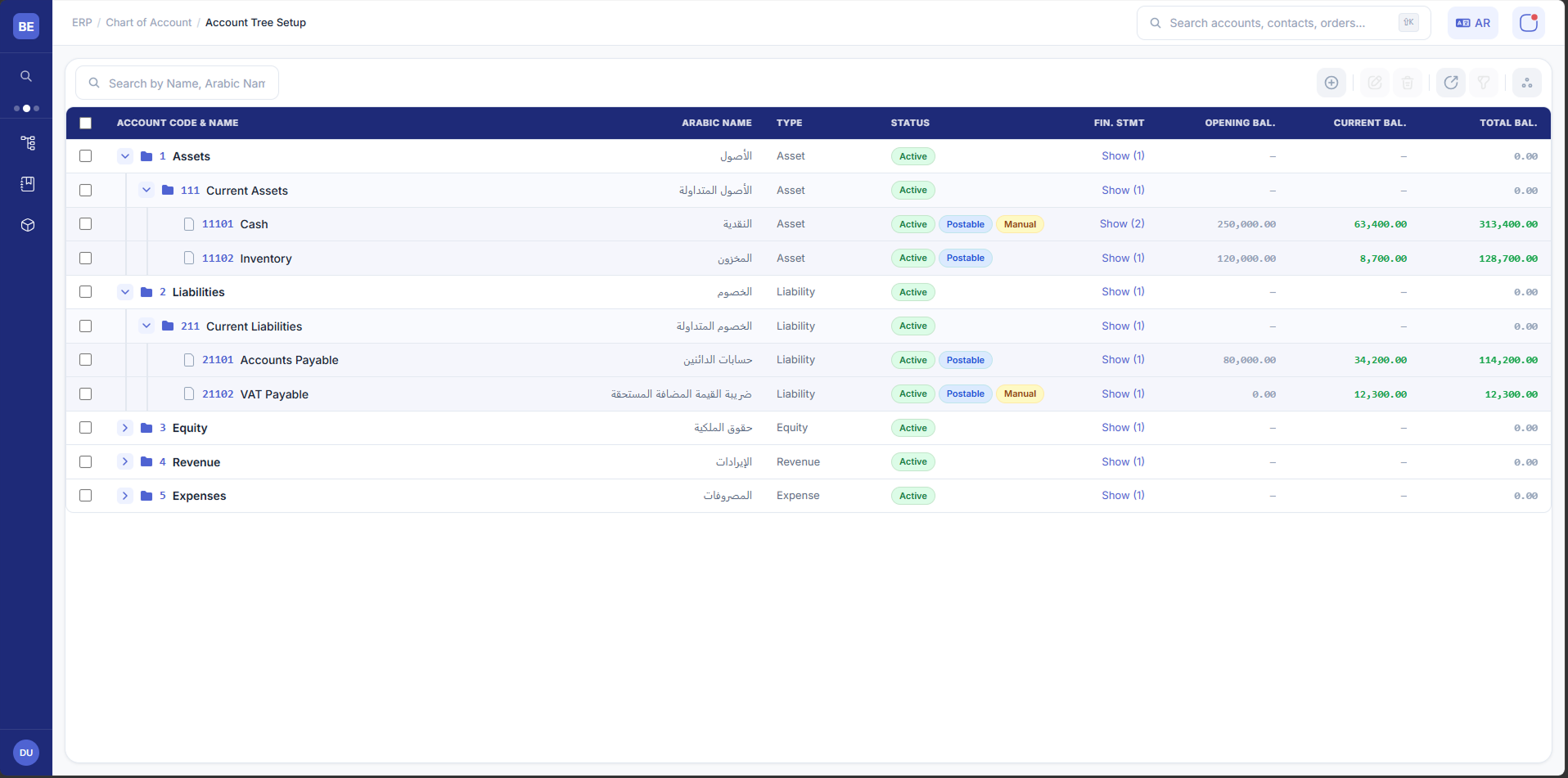
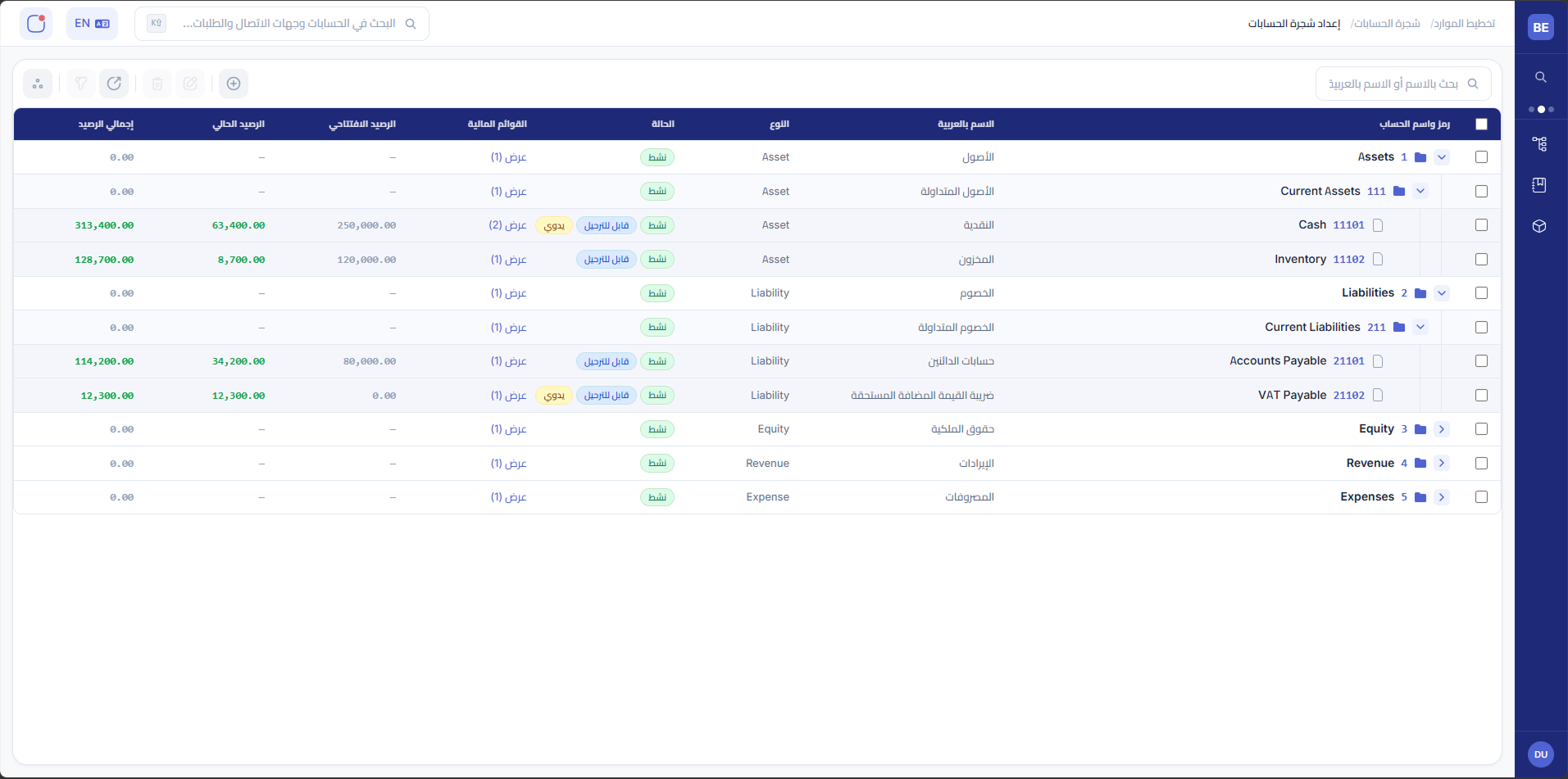
COA (Chart of Accounts), Manual Entries, Budgeting, Treasury, Purchases (PR→RFQ→PO)
The core goal was integration: business events in CRM should drive the right financial and operational actions in ERP, with visibility and workflows across departments.
System Scope
The platform supports multiple high-impact workflows across departments:
-
Customer Care (SLA-driven cases) — Cases are created, assigned to the appropriate department, tracked with SLA deadlines, and escalated when overdue.
-
Legal + Finance Integration for Payment Violations — Legal cases tied to missed payment deadlines link directly to Finance actions and follow-up.
-
Receipts → Automated Financial Transactions — Creating receipts in CRM triggers background finance transactions to reduce manual posting and inconsistencies.
-
Budgeting Transactions Approvals — Budget operations include carryover, write-off, transfer with approvals and traceable status.
-
Purchasing Cycle (PR → RFQ → PO) — A structured procurement workflow with approvals, statuses, and tracking.
The Challenge
Before Gates Benchmark:
- Customer cases were tracked inconsistently across departments, making SLA compliance difficult.
- Payment violations and legal actions were disconnected from finance processing and follow-up.
- Receipt operations required manual financial posting and reconciliation.
- Budgeting actions (carryover/write-off/transfer) relied on slow coordination.
- Purchasing workflows lacked structured tracking from request to purchase order.
The business needed a single source of truth with reliable workflows, auditability, and clear ownership.
Discovery & Workflow Mapping
I worked with stakeholders across Sales, Customer Care, Legal, Finance, and Procurement to map:
- End-to-end flows and hand-offs
- SLA points and escalation rules
- Approval chains and permission boundaries
- Integration triggers between CRM and ERP
- Failure scenarios (missing mappings, invalid COA, blocked approvals)
Key outputs:
- Workflow maps per domain (Customer Care / Receipts / Budgeting / Purchases)
- Roles & permissions matrix
- Integration event map (trigger → created record → status → audit trail)
Key Design Decisions & Tradeoffs
1. Unified platform with role-based modules (vs separate apps)
Decision: One platform with consistent navigation and shared patterns across CRM and ERP.
Tradeoff: Higher IA complexity; required strong role-based visibility to avoid overwhelming users.
Why: Eliminates silos and allows cross-team context (e.g., legal/finance visibility into payment violation cases).
2. SLA-first Customer Care workflow design
Decision: Cases have owner, department assignment, SLA timer, status model, and escalation rules.
Tradeoff: Required careful rule definition and edge-case handling (reassignment, paused SLAs, reopened cases).
Why: Makes service accountability measurable and prevents missed follow-ups.
3. Event-driven automation for receipts → finance transactions
Decision: Receipt creation triggers background financial transaction creation with clear status feedback and audit trail.
Tradeoff: Required strict validations, mapping rules, and failure recovery UX.
Why: Reduces manual posting risk and improves finance consistency.
4. Budgeting transactions as governed workflows (carryover/write-off/transfer)
Decision: Budget actions follow approval workflows with status, justification, and traceability.
Tradeoff: More configuration upfront, but far less operational friction.
Why: Improves control, speed, and audit readiness.
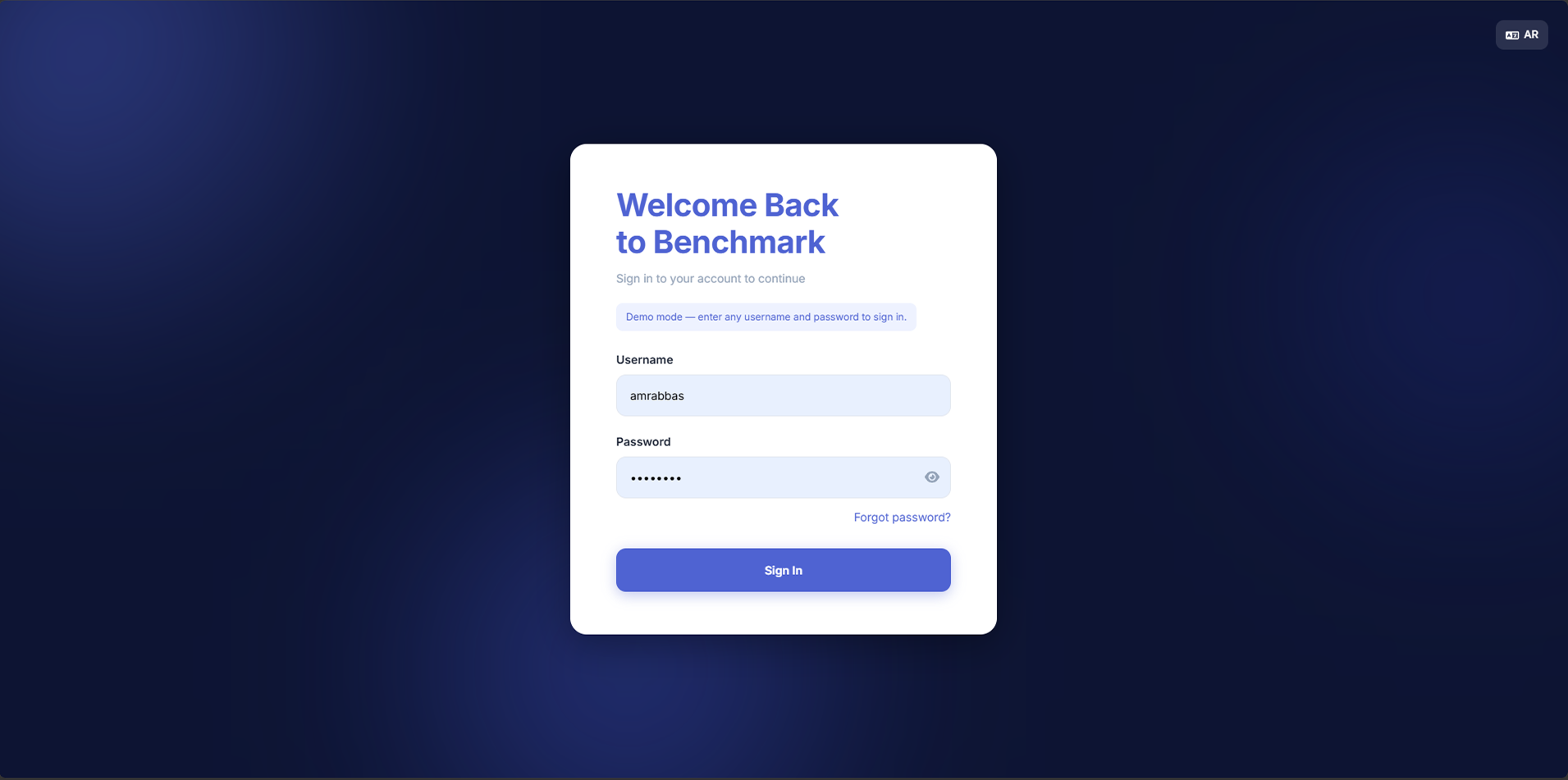
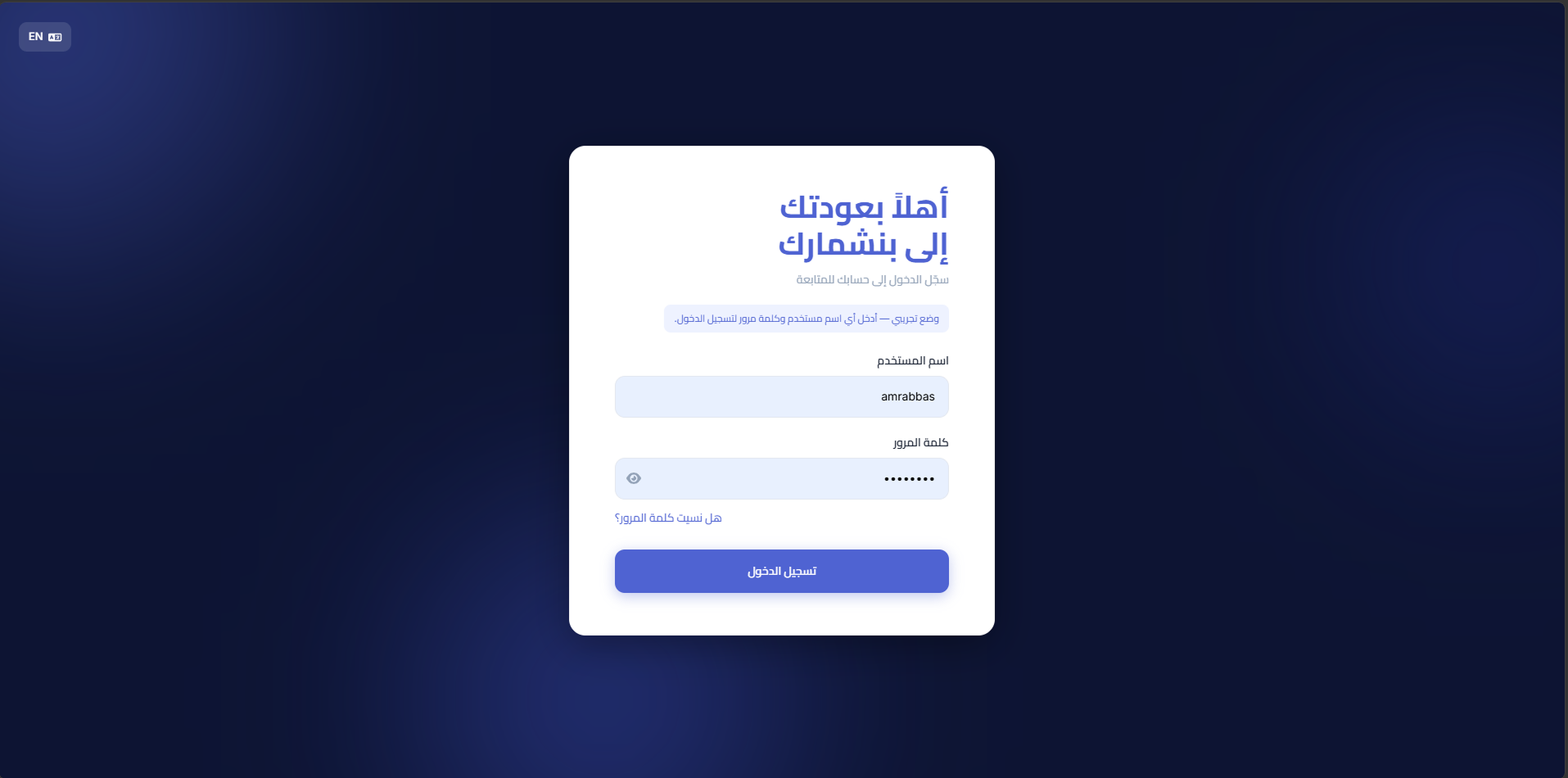
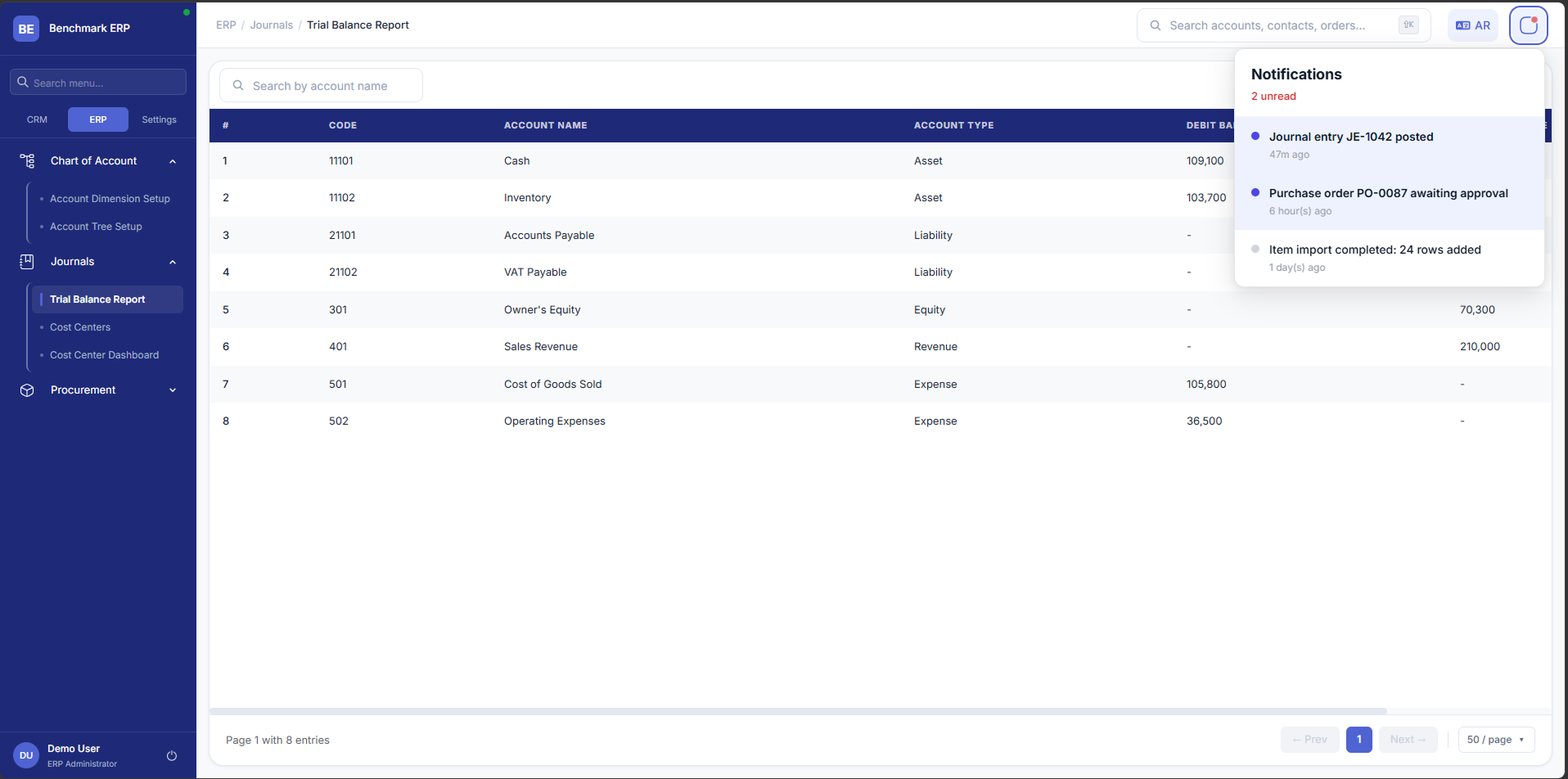
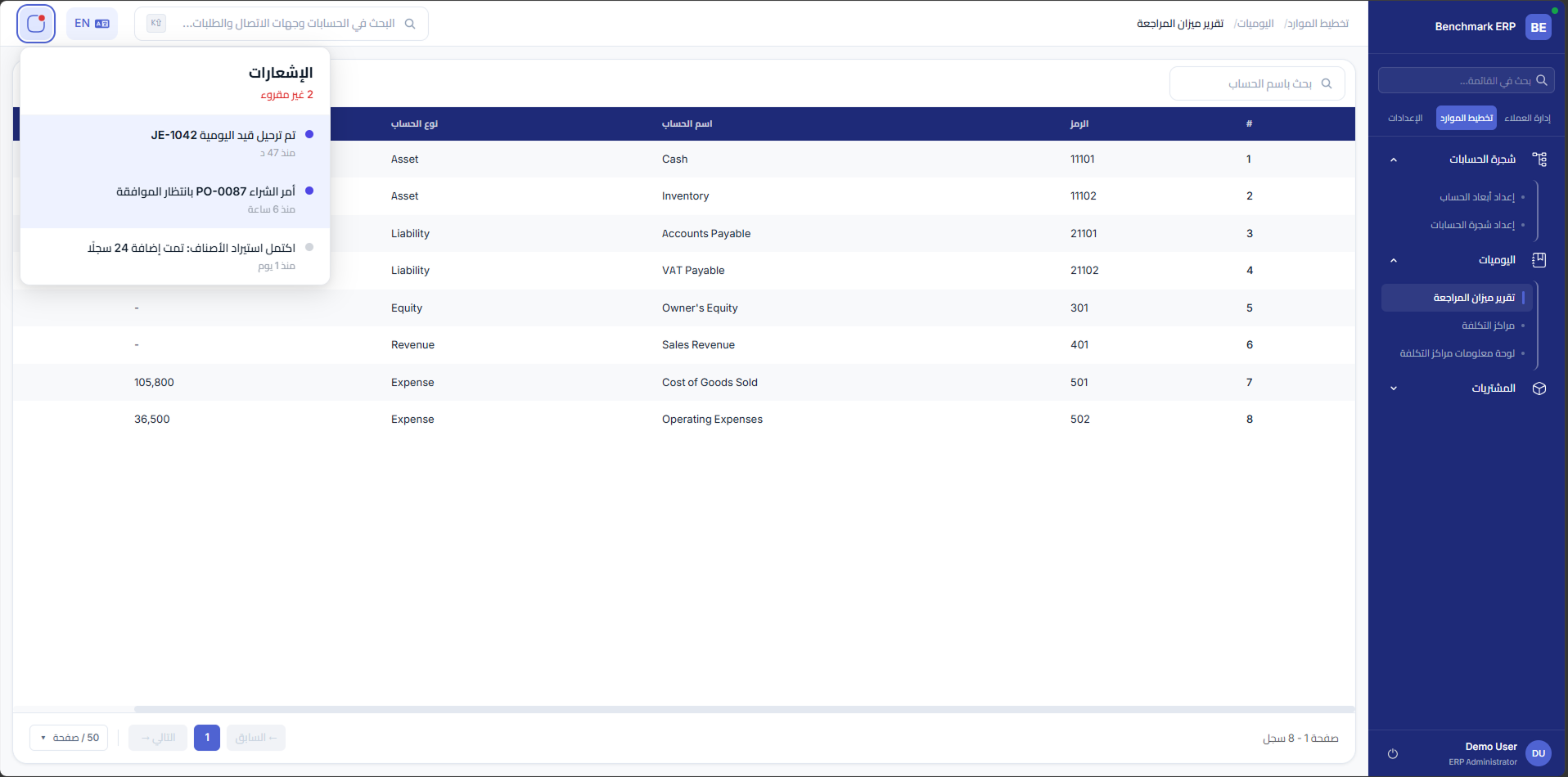
5. RTL support built into components from day one
Decision: Design system and layouts built with Arabic RTL support as a first-class requirement.
Tradeoff: Slower initial iteration pace.
Why: Prevented retrofitting cost and ensured consistency across the entire system.
Enterprise UI System & Patterns
To scale across modules, I standardized reusable patterns:
- Tables: filters, sorting, pagination, bulk actions, export where needed
- Forms: validation, conditional fields, multi-step flows for complex actions
- Workflow states: status badges, approval cards, timeline/history
- Notifications: actionable alerts, escalation cues, reminders
- States & edge cases: loading/empty/error/permission denied + recovery paths
Key Workflows
A) Customer Care: SLA-driven case management
- Case creation → department assignment → SLA tracking → escalation
- Status model to handle reassignments, reopened cases, and overdue handling
- Views by role (agent, department owner, supervisor)
B) Legal + Finance: payment deadline violations
- Legal cases created/linked to missed payment deadlines
- Finance follow-up visibility and actions tied to the case lifecycle
- Clear accountability and traceability across teams
C) Receipts → automated transactions
- Receipt creation triggers background transactions in finance
- Transparent feedback (success/failure/pending) + audit trail
- Validation and failure handling (missing mapping, blocked posting)
D) Budgeting approvals (carryover/write-off/transfer)
- Standard approval workflow, justification fields, and history
- Status tracking and notifications
- Impact: reduced budgeting cycle from 3 days → 1 day
E) Purchasing cycle (PR → RFQ → PO)
- Structured statuses across PR, RFQ, and PO
- Approvals and clear handoffs
- Traceable lifecycle from request to order
Design Screens
Validation & Iteration
- Stakeholder walkthroughs across departments
- Iteration cycles with engineering using prototypes + edge-case specs
- Continuous refinement of statuses, permissions, and workflow rules to avoid production ambiguity
Impact & Results
- Budget cycle: significantly reduced through governed approval workflows
- Automation: receipt creation triggers background financial transactions (reducing manual posting)
- Reliability: SLA-driven Customer Care improved follow-up accountability across departments
- Visibility: Legal + Finance integration improved handling of payment violations
- Scalability: shared patterns + RTL-ready design system kept experience consistent across modules
Tools: Figma, FigJam / Miro, Lovable, Claude
Platform: Web Application (Desktop + Tablet) • RTL supported