Stova — Premium Furniture E-commerce UI Case Study
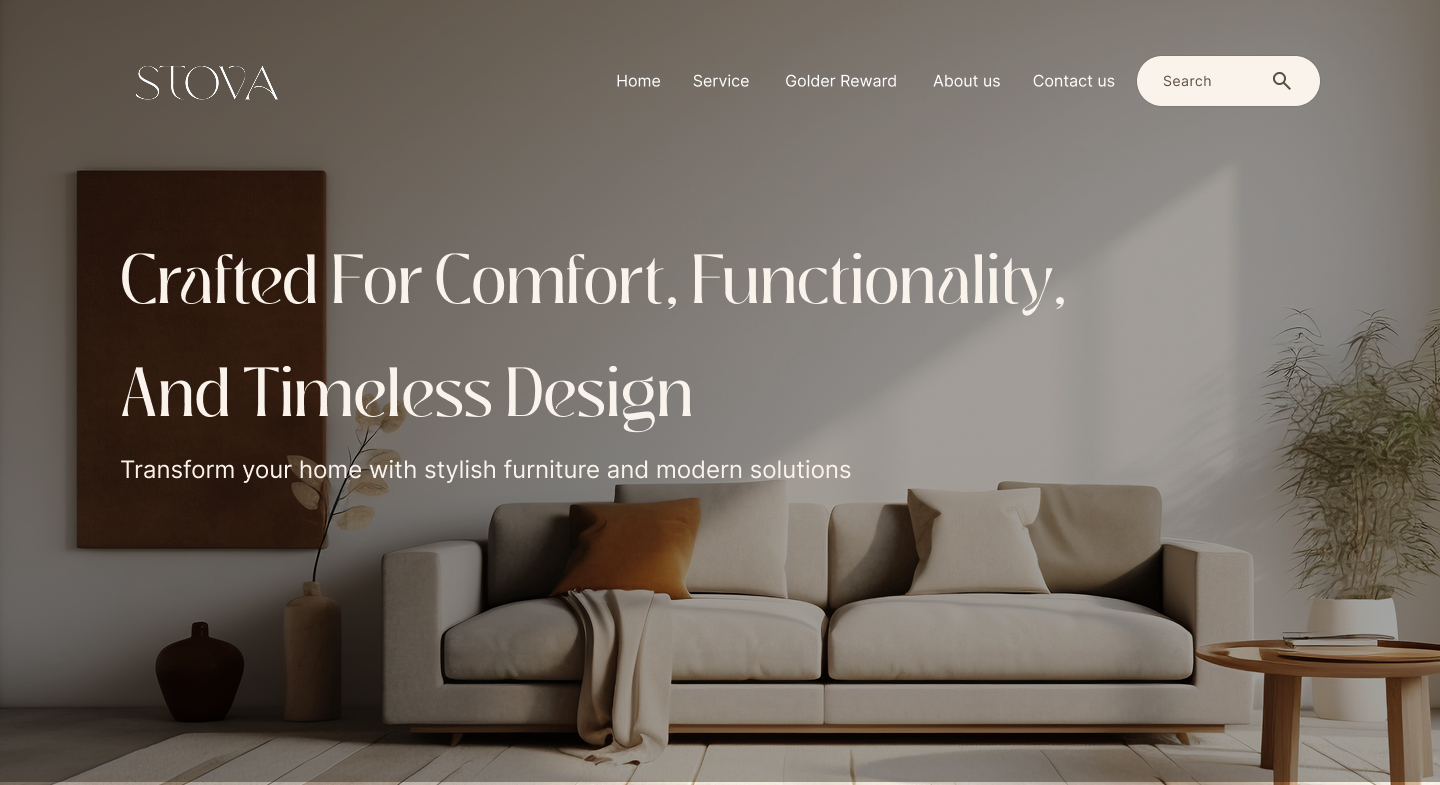
UI case study for a premium furniture e-commerce platform — designed in Figma and built with Webflow, balancing visual product presentation with design consultation integration across 10+ pages.
Executive Summary
Project Overview
Stova is a premium furniture and interior design e-commerce platform. The project was dual-role — designing the experience in Figma and building it in Webflow. The core challenge was creating an online shopping experience that conveys the tactile quality and design sophistication of premium furniture, while integrating personalized design consultation as a complementary service.
The Challenge
Selling premium furniture online introduces unique friction:
- Quality perception gap: Customers can’t touch, sit on, or see furniture in their space — the digital experience must compensate through imagery, context, and detail
- Multi-category complexity: 80+ categories across kitchens, bathrooms, and living spaces — customers need clear navigation without feeling overwhelmed by choices
- Consultation as a service layer: Design consultation isn’t a typical e-commerce feature — it needed to integrate naturally into the shopping flow without feeling bolted on
- Brand premium positioning: The design must communicate quality and sophistication from the first interaction — commodity-style product grids would undermine the brand
Key Design Decisions & Tradeoffs
1. Visual-first product presentation (vs. specs-first)
Decision: Lead with large, high-quality imagery and room context shots before specifications and pricing.
Tradeoff: Key information (price, dimensions) requires scrolling past imagery.
Why: Premium furniture buyers are driven by aesthetics and how pieces look in context. Leading with visuals creates emotional connection before rational evaluation.
2. Room-based navigation alongside category-based
Decision: Offer both room-type browsing (kitchen, bathroom, living) and category browsing (tables, chairs, storage).
Tradeoff: Two navigation paths that can overlap in results.
Why: Some users think in rooms ("I’m furnishing my kitchen"), others think in categories ("I need a dining table"). Supporting both mental models reduces friction.
3. Consultation CTA embedded in product context
Decision: Place design consultation CTAs within product pages and collection views rather than only on a dedicated page.
Tradeoff: More touchpoints for consultation may feel promotional.
Why: When a customer is already engaged with specific products, the desire for expert advice is highest. A contextual CTA converts better than expecting users to navigate to a separate consultation page.
4. Webflow for design-to-code speed
Decision: Build directly in Webflow rather than handing off to custom development.
Tradeoff: Some advanced e-commerce features are constrained by Webflow’s capabilities.
Why: With a 1-month timeline, Webflow allowed design and development to happen in parallel — changes in design were immediately reflected in the live site.
Solution Overview
Key Pages
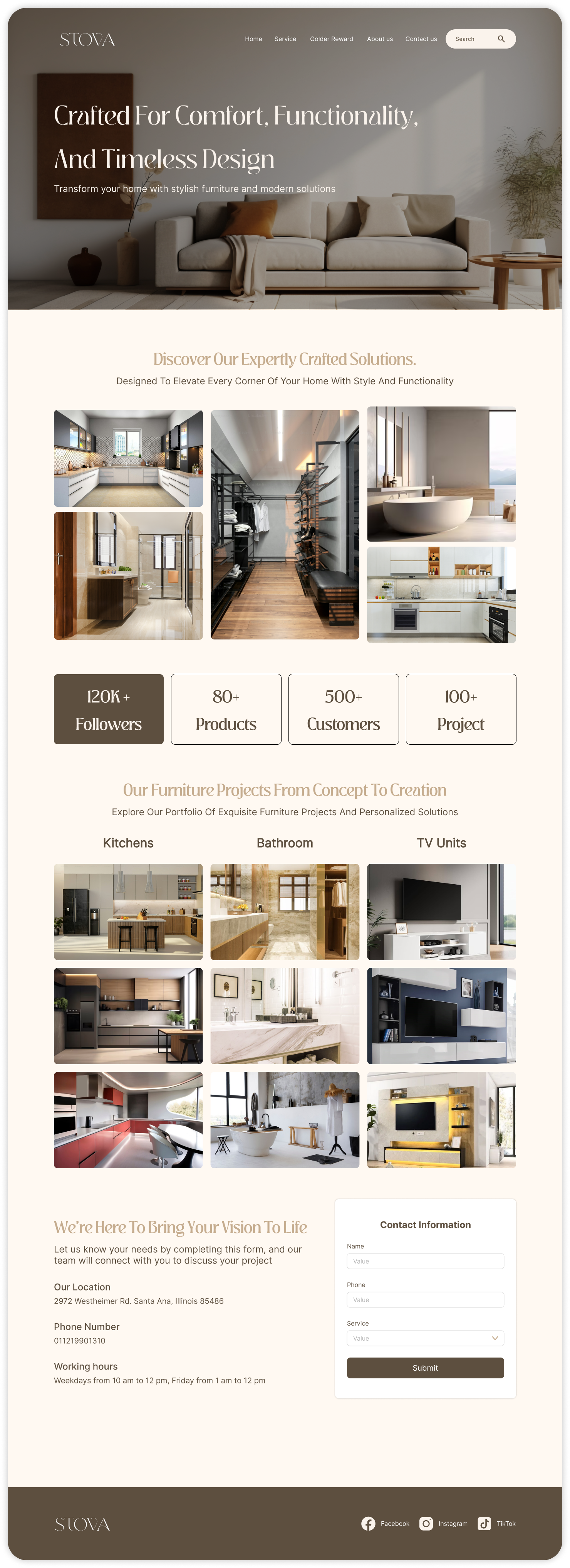
- Homepage: Hero showcase with featured collections, social proof (120K+ followers, 100+ projects), and consultation entry point
- Product catalog: Filterable grid with room-type and category navigation
- Product detail: Large imagery, material specifications, pricing, and contextual consultation CTA
- Design consultation: Service description, expert profiles, and booking flow
- About / Brand story: Heritage, craftsmanship focus, and team introduction
Design Patterns
- Product cards: Consistent image-first cards with hover interactions revealing key specs
- Category navigation: Clear hierarchy from room type → category → product
- Responsive layout: Desktop-optimized with tablet and mobile breakpoints
Design Screens
Impact & Results
- Launched a premium e-commerce experience with extensive product catalog across multiple furniture categories
- Organized clear navigation for room-based and category-based browsing
- Integrated design consultation services alongside the shopping experience
- Delivered within one month using Figma → Webflow workflow
Tools: Figma, Webflow
Platform: Web • Team Size: 3 Members